Channels & connectors
Work with your employee in Docana, then connect the channels your team and customers use. Knowledge, tools, and access stay managed with the employee.
From preparation to working together
Start a conversation. Keep the work moving.
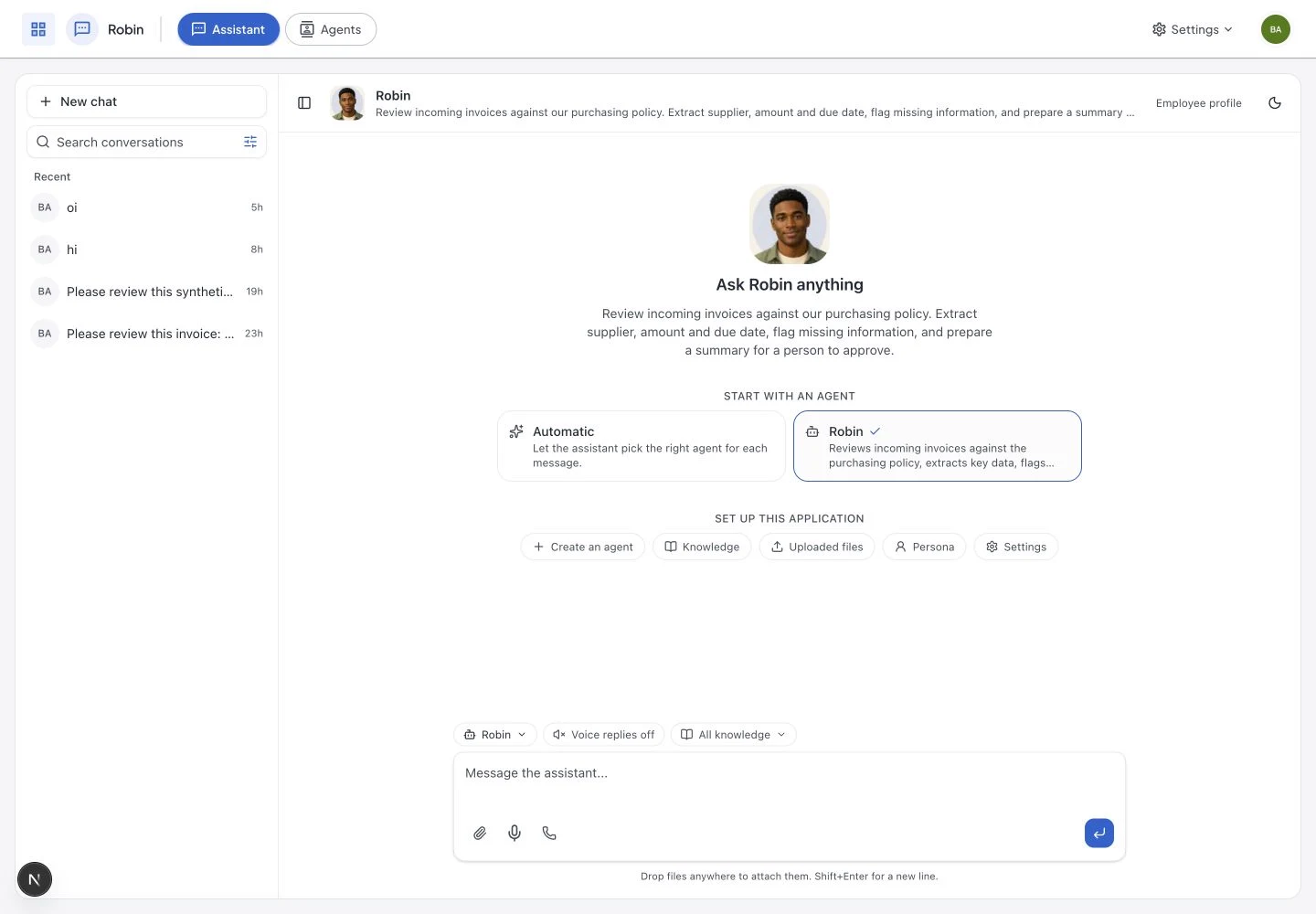
Your employee’s working chat is a place to give it tasks, ask follow-up questions, and review the work. Connect additional channels after preparing and publishing the workflow.
- A dedicated chat for the employee you created
- Work history you can return to
- Connected channels with configured access
Build once. Show up everywhere.
Start with your employee’s workspace. Connect other channels when it is ready, with the knowledge, workflows, and access you have configured.

Slack
@docana, in any channel
Mention an agent in a thread or DM. Answers cite the source record and stay private to the channel members.

Microsoft Teams
The same agent, inside Teams
Add Docana as a Teams app. Same memory, same audit trail, same outputs, exposed to the workforce already living in Microsoft 365.

Where customers (and the field) live
Customer support and frontline ops on the channel they actually open. The agent reasons across your knowledge, multilingual, 24/7.

DMs at the speed of your brand
Plug Docana into Instagram Direct so your brand answers DMs and story replies the same way your best human rep would, around the clock.

X
Replies and DMs, on-brand
Triage mentions, draft replies, and respond to DMs on X with the same agent that runs every other channel. Same memory, same tone, same audit trail.

Forward an inbox, get answers
Route a shared inbox through Docana. The agent triages, drafts replies, escalates edge cases, and threads context back to your team.

SMS
Reach customers without an app
The same agent answers over plain text messages, so customers without WhatsApp or a smartphone app still get instant, grounded answers.

Web Widget
Embed on your site in one line
Drop the widget into any page. Visitors get the same agent that powers your internal teams, branded as yours.

API
Programmatic, for any app you build
Call any agent from your own product, internal tool, or workflow engine. Same auth, same audit trail, the workflows you configure.

Excel
=DOCANA() in any cell
Finance, ops, and planning teams stay in the grid they already live in. Custom functions pull deterministic answers straight from the reasoning layer.

Web App
Your employee’s everyday workspace
Create an employee, prepare its work, and switch to its working chat. Return to conversations, review results, and open the advanced workspace when you need more control.


Claude & ChatGPT
Your AI client, connected via MCP
Create and prepare employees from Claude or ChatGPT through MCP. Continue in Docana with the same employee profile, knowledge, and saved preparation conversation.
Prepare and test your employee first. Publishing and connecting channels are explicit steps, so you decide when and where it starts working.
One brain, every system
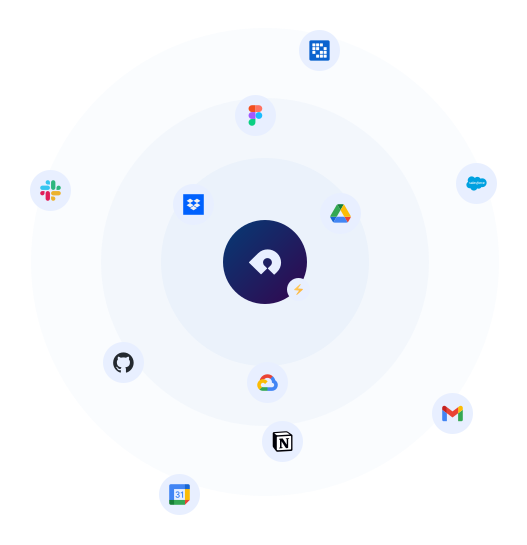
Most enterprises run a Frankenstein stack: Workday, SAP, Salesforce, HubSpot, NetSuite, a separate VMS, and a thousand spreadsheets. Docana™ is the agnostic layer that wires all of it into your Enterprise Reasoning Layer, without forcing a single migration.

Power BI

Gmail

Google Drive

Google Calendar

Dropbox

One Drive

Salesforce

Slack

Liferay

Nuxeo

Jira

Trello

Notion

Evernote

Wordpress

Github
Run on something we don’t list?
We add new connectors every month. Tell us what you use and we’ll wire it in.
Request a DemoStart with one workflow
Meet your next AI employee.
Bring a job your team wants help with. Explore the employee creation walkthrough and see how a brief becomes work you can test, review, and publish.
What we’ll explore together
- Define the role and connect your knowledge
- Prepare together and test real examples
- Publish, choose channels, and review the work